Steam Deck Thumb Grip Caps: Anti-Slip Height Boost
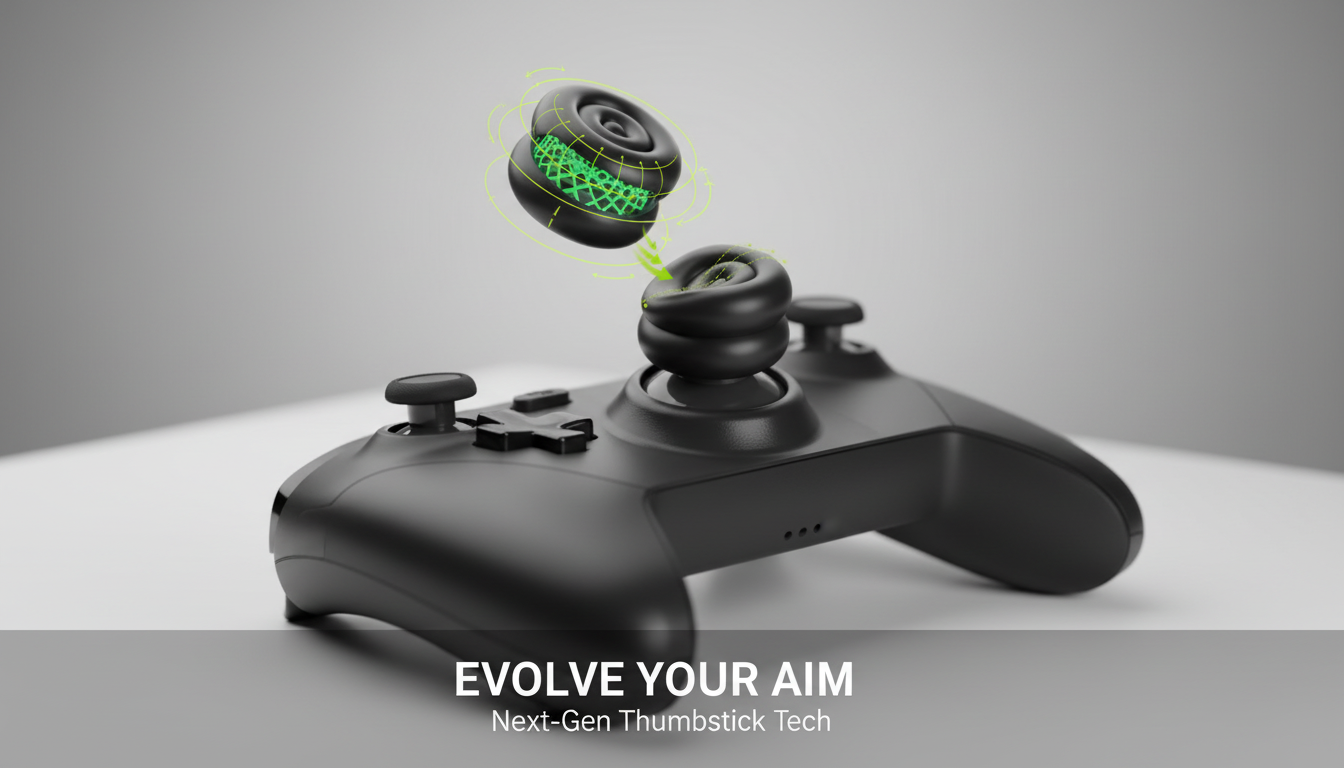
Long handheld sessions can make analog sticks feel slick, fatiguing, or less precise—especially during fast camera control and fine aim. Height-boost cushion caps add a textured, slightly raised surface that can improve traction, soften thumb pressure, and help maintain consistent control across different genres and grip styles. For more guidance, see PlayVital Thumb Grips For Steam Deck LCD & OLED (4-Pack) – Anti ….
What Height-Boost Thumb Grip Caps Change
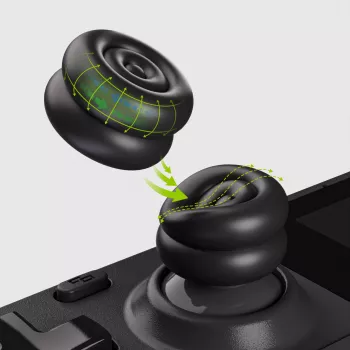
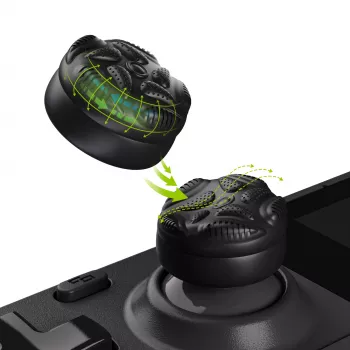
A good set of thumb grip caps tweaks how your Steam Deck sticks feel without any permanent changes. The most noticeable difference is the contact surface: instead of a smooth, slightly worn stick top, your thumb gets a grippier texture that stays more consistent as your hands warm up.
- Adds a textured contact surface to reduce slip when hands warm up or during intense play
- Slight height increase can improve leverage for small, controlled stick movements
- Cushion layer can reduce thumb soreness from extended sessions
- Helps maintain a steady thumb position for camera panning, aiming, and menu navigation
- Provides a quick, non-permanent way to tweak feel without modifying the device
That combination—texture, a small height boost, and a bit of cushioning—often feels like “more control with less effort,” particularly when you’re making tiny corrections while aiming or steering.
Steam Deck Fit: LCD and OLED Compatibility
Steam Deck LCD and Steam Deck OLED share the same basic analog stick form factor, so Steam Deck-specific caps are designed to sit over the existing stick tops without changing the shell. A proper fit matters just as much as the material: if the cap is loose, it can rotate or shift during quick inputs, which undermines accuracy.
- Designed to sit over the existing analog stick tops without changing the Steam Deck shell
- Works for both Steam Deck LCD and Steam Deck OLED models where stick dimensions are consistent
- A snug fit is key: the cap should not wobble or rotate during rapid inputs
- Before installing, clean stick tops to remove skin oils that can reduce grip stability
For official device information and model details, reference Valve’s hardware overview at steamdeck.com. If you like deep dives into device parts and community resources, iFixit’s Steam Deck page is a helpful companion.
Grip, Height, and Comfort: Choosing the Right Feel for Your Games
Not every genre “wants” the same stick feel. A slightly taller cap can make micro-movements feel easier because your thumb has a touch more leverage, while the anti-slip surface helps keep your thumb anchored during rapid camera swings or repeated directional taps.
- Shooter and action players often prefer extra traction and modest height for finer aim adjustments
- Racing and platforming benefit from consistent thumb placement during repeated directional inputs
- For smaller hands, a mild height boost can reduce the need to press hard into the stick
- For larger hands, added height can improve leverage and reduce cramped thumb angles
- If using gyro aiming, a more stable thumb contact can complement subtle motion adjustments
How different grip features affect play
| Feature | What it changes | Best for |
|---|---|---|
| Anti-slip texture | Reduces thumb sliding during fast turns and sweaty sessions | Action, shooters, competitive play |
| Height boost | Adds leverage for smaller, more precise stick movement | Aiming, camera control, fine steering |
| Cushioning | Softens pressure and can reduce thumb fatigue | Long sessions, RPGs, exploration games |
| Snug fit | Prevents twisting or lifting under repeated inputs | All genres; especially fast movement |
Installation and Care Tips
Thumb grips are simple, but small setup habits can make them feel better and last longer.
- Wipe stick tops with a dry microfiber cloth; if needed, use a lightly dampened cloth and let fully dry
- Align the cap and press evenly from the center outward to seat it without stretching one side
- After installation, rotate the sticks fully to confirm the caps do not rub against the stick housing
- If a cap loosens over time, remove it, clean both surfaces, and reinstall for a tighter hold
- Avoid harsh solvents; gentle cleaning preserves texture and cushioning
Common Issues and Quick Fixes
Product Snapshot: Anti-Slip Thumb Grips for Steam Deck LCD & OLED
If the goal is steadier inputs without modifying hardware, Anti-Slip Thumb Grips for Steam Deck LCD & OLED – Height-Boost Cushion Caps are a practical, budget-friendly upgrade. They’re designed to improve traction and comfort on Steam Deck analog sticks while keeping your setup simple: install them in minutes, and remove them just as quickly if you want the original feel back.
Quick specs at a glance
| Item | Details |
|---|---|
| Product | Anti-Slip Thumb Grips for Steam Deck LCD & OLED – Height-Boost Cushion Caps |
| Price | 9.97 USD |
| Availability | In stock |
| Use case | Improved traction, comfort, and leverage on analog sticks |
Optional add-ons to round out your downtime
- The Smart Traveler’s Guide to Global Etiquette | Digital Download eBook for Cultural Tips, Travel Etiquette, and International Manners
- The Anxiety Relief Bundle: A Path to Calm | 4-in-1 Bundle | Mindfulness Exercises, Positive Thinking, Printable Checklist & Course Outline
FAQ
Do these thumb grips fit both Steam Deck LCD and Steam Deck OLED?
Yes—Steam Deck LCD and OLED models use the same analog stick form factor, so Steam Deck-specific grips should fit both when properly seated. A clean stick top and a fully seated edge help prevent wobble.
Will height-boost caps affect aiming precision?
They can change the feel because the added height slightly increases leverage, which may help with fine adjustments but can take a short adjustment period. If aim feels different at first, give it a few sessions and consider minor sensitivity tweaks.
Can thumb grips cause the sticks to rub or restrict movement?
Properly centered caps should not rub. After installation, rotate each stick through its full range; if you feel contact, reseat the cap so it’s evenly aligned and not shifted toward one side.








Leave a comment