More Time, Less Stress: Pomodoro, Matrix & Time Blocking
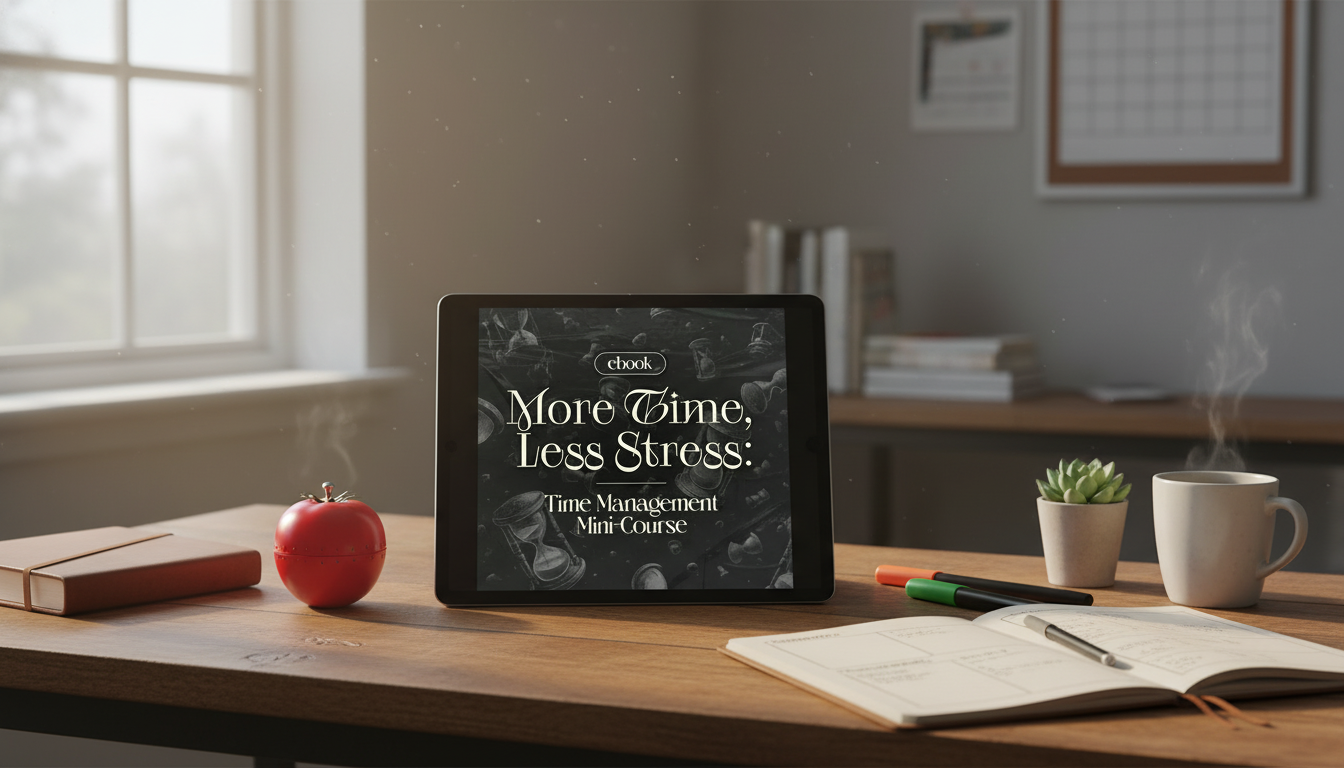
More Time, Less Stress: A Practical Mini-Course for Focused, Calm Productivity
Busy days feel lighter when tasks are clarified, time is protected, and focus is trained in short, repeatable cycles. This mini-course and companion ebook is built around simple systems—Pomodoro sessions, the Eisenhower Matrix, and time blocking—to reduce overwhelm and make progress visible without relying on motivation alone.
If procrastination tends to show up when tasks feel vague or emotionally heavy, it helps to remember it’s a common pattern—not a character flaw. The APA Dictionary of Psychology definition of procrastination highlights the delay of intended action; the goal here is to reduce the friction that causes that delay by making decisions and next steps smaller, clearer, and scheduled.
Who this mini-course is for
- Professionals juggling meetings, deep work, and constant messages
- Students balancing classes, study time, and deadlines
- Parents and caregivers coordinating household logistics and personal goals
- Anyone who starts the day with good intentions but ends it reacting to urgency
- People who want structure that still leaves room for rest and flexibility
What’s inside: tools that work together
- Pomodoro focus cycles to create momentum and reduce procrastination
- The Eisenhower Matrix to separate urgent noise from important progress
- Time blocking to protect priorities on the calendar (not just on a to-do list)
- Simple planning routines to reset weekly and course-correct daily
- Templates and step-by-step prompts that turn concepts into actions
Start with clarity: the Eisenhower Matrix for better decisions
When everything feels urgent, decision fatigue becomes the real bottleneck. The Eisenhower Matrix (urgent vs. important prioritization) gives a fast way to sort tasks by consequence instead of volume. A helpful overview is available here: Eisenhower Method (urgent vs. important).
- List active tasks and commitments, then sort them into four quadrants: important/urgent, important/not urgent, not important/urgent, not important/not urgent
- Prioritize “important/not urgent” work to prevent recurring emergencies
- Create a short “delegate or automate” list for not important/urgent tasks
- Build a “stop doing” list from not important/not urgent items to reduce load
- Limit the daily “important/urgent” quadrant by planning earlier and setting boundaries
A practical rule: if a task doesn’t connect to a goal, deadline, or meaningful consequence, it doesn’t get prime time on your calendar.
Build focus fast: Pomodoro sessions that reduce mental friction
Interruptions and attention residue can make it hard to regain momentum after a switch. Researcher Gloria Mark’s work on attention and interruptions explores how disruptive frequent context changes can be in real working environments (UC Irvine: Gloria Mark research). Pomodoro helps by shrinking the “start” into a short sprint and giving your brain a predictable finish line.
- Choose one clearly defined task for the next short work interval
- Work in a timed sprint, then take a brief break to reset attention
- Track completed intervals to measure output without perfectionism
- Use breaks for movement, hydration, or quick resets—not new tasks
- Batch shallow tasks into separate intervals to protect deep work blocks
Make the first minute easy: define a “next action” that’s impossible to misunderstand (for example, “write the first 5 bullet points” instead of “work on report”).
Protect priorities: time blocking that reflects real life
To-do lists are useful for capturing work, but calendars are what protect it. Time blocking shifts priorities from “hope” to “reserved space,” while still allowing flexibility.
Which method to use when (and how to combine them)
Quick guide to choosing the right technique
| Situation | Best tool | How to apply in 10 minutes | Common pitfall to avoid |
|---|---|---|---|
| Too many tasks, not sure what matters | Eisenhower Matrix | Sort tasks into four quadrants and pick 1–3 important outcomes | Treating urgent requests as automatically important |
| Can’t start or keep getting pulled away | Pomodoro | Set a timer, define the next tiny step, do one focused sprint | Using breaks to scroll or start new work threads |
| Day disappears into meetings and messages | Time blocking | Block your top priority first, then add admin blocks and buffers | Creating a schedule with no transition time |
| Working hard but not progressing | Combine all three | Prioritize with the matrix, block time, execute with 2–4 Pomodoros | Planning too long and executing too little |
A simple weekly and daily routine to keep stress low
Making it stick: small adjustments with big payoff
Product options that pair well with a time-management reset
- More Time, Less Stress: Time Management Mini-Course – Productivity Ebook with Pomodoro, Eisenhower Matrix & Time Blocking Strategies for a guided reset that turns priorities into calendar-protected focus blocks.
- The Anxiety Relief Bundle: A Path to Calm when rumination or tension makes it hard to stick to a plan—calmer inputs often lead to more consistent routines.
- Homework Help Made Easy Toolkit for Parents when evenings feel chaotic and you need smoother homework routines that protect everyone’s time blocks.
FAQ
How long does it take to see results from Pomodoro and time blocking?
Most people notice improvement within a few days by starting with just 1–2 focus blocks and a short admin window. The fastest wins are reduced procrastination and clearer priorities, especially when the first block is reserved for your most important work.
What if urgent requests keep blowing up the schedule?
Add buffers and do a quick daily triage using the Eisenhower Matrix so true emergencies don’t crowd out important work. Protect at least one “important” block by using scheduled response windows and renegotiating timelines when a request isn’t actually time-critical.
Is the Eisenhower Matrix useful if everything feels important?
Yes—define “important” by long-term goals and consequences, then limit the number of active projects so priorities can surface. Using constraints like impact, time cost, and real deadlines helps separate “valuable” from “urgent noise.”











Leave a comment